
Membership
Photoshop
Adobe Photoshop CC – Essentials Training Course
Adobe Photoshop CC – Essentials Training Course
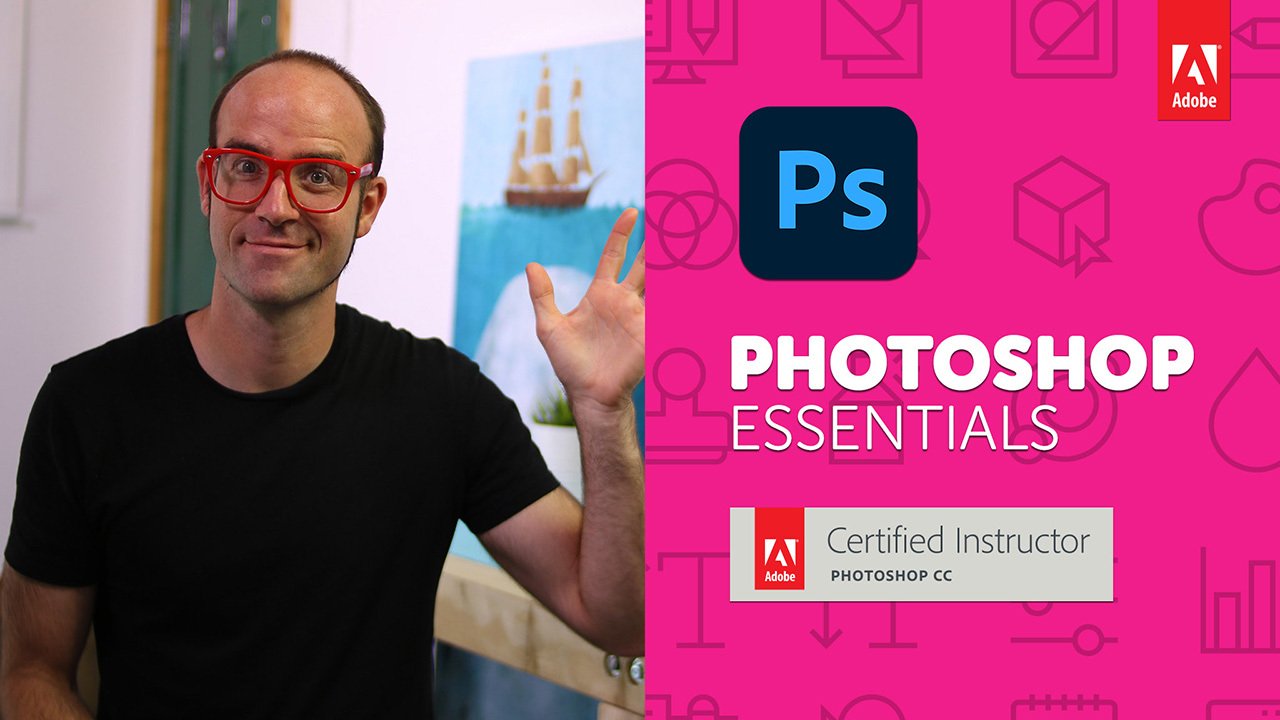
A beginner-friendly Photoshop course by Daniel Walter Scott, Adobe Certified Instructor, designed to teach the essential skills needed for photo editing, retouching, graphic design, and social media content creation. No previous Photoshop experience is required.
Course Content
21 sections
92 lectures
Approximately 11 hours 38 minutes
Main topics include:
Photoshop interface and basic navigation
Working with layers
Combining and compositing images
Selections and masking
Background removal and clear-cut images
Photo retouching and correction
Color and tonal adjustments
Typography and text effects
Creating popular visual styles
Social media graphics
Basic graphic design projects
Exporting images for different uses
Portfolio-building projects
Who Is It For?
Suitable for:
Complete Photoshop beginners
Aspiring graphic designers
Photographers learning basic retouching
Social media content creators
Freelancers who want to add Photoshop to their skill set
Anyone preparing to move on to more advanced Photoshop training
The course includes 20+ practical projects that learners can use to build a starter portfolio.
Field: Graphic Design → Adobe Photoshop / Beginner Photo Editing & Design.
A beginner-friendly Photoshop course by Daniel Walter Scott, Adobe Certified Instructor, designed to teach the essential skills needed for photo editing, retouching, graphic design, and social media content creation. No previous Photoshop experience is required.
Course Content
21 sections
92 lectures
Approximately 11 hours 38 minutes
Main topics include:
Photoshop interface and basic navigation
Working with layers
Combining and compositing images
Selections and masking
Background removal and clear-cut images
Photo retouching and correction
Color and tonal adjustments
Typography and text effects
Creating popular visual styles
Social media graphics
Basic graphic design projects
Exporting images for different uses
Portfolio-building projects
Who Is It For?
Suitable for:
Complete Photoshop beginners
Aspiring graphic designers
Photographers learning basic retouching
Social media content creators
Freelancers who want to add Photoshop to their skill set
Anyone preparing to move on to more advanced Photoshop training
The course includes 20+ practical projects that learners can use to build a starter portfolio.
Field: Graphic Design → Adobe Photoshop / Beginner Photo Editing & Design.
Course access continues to use the existing account and entitlement checks.