
Membership
Hậu kỳ sản phẩm
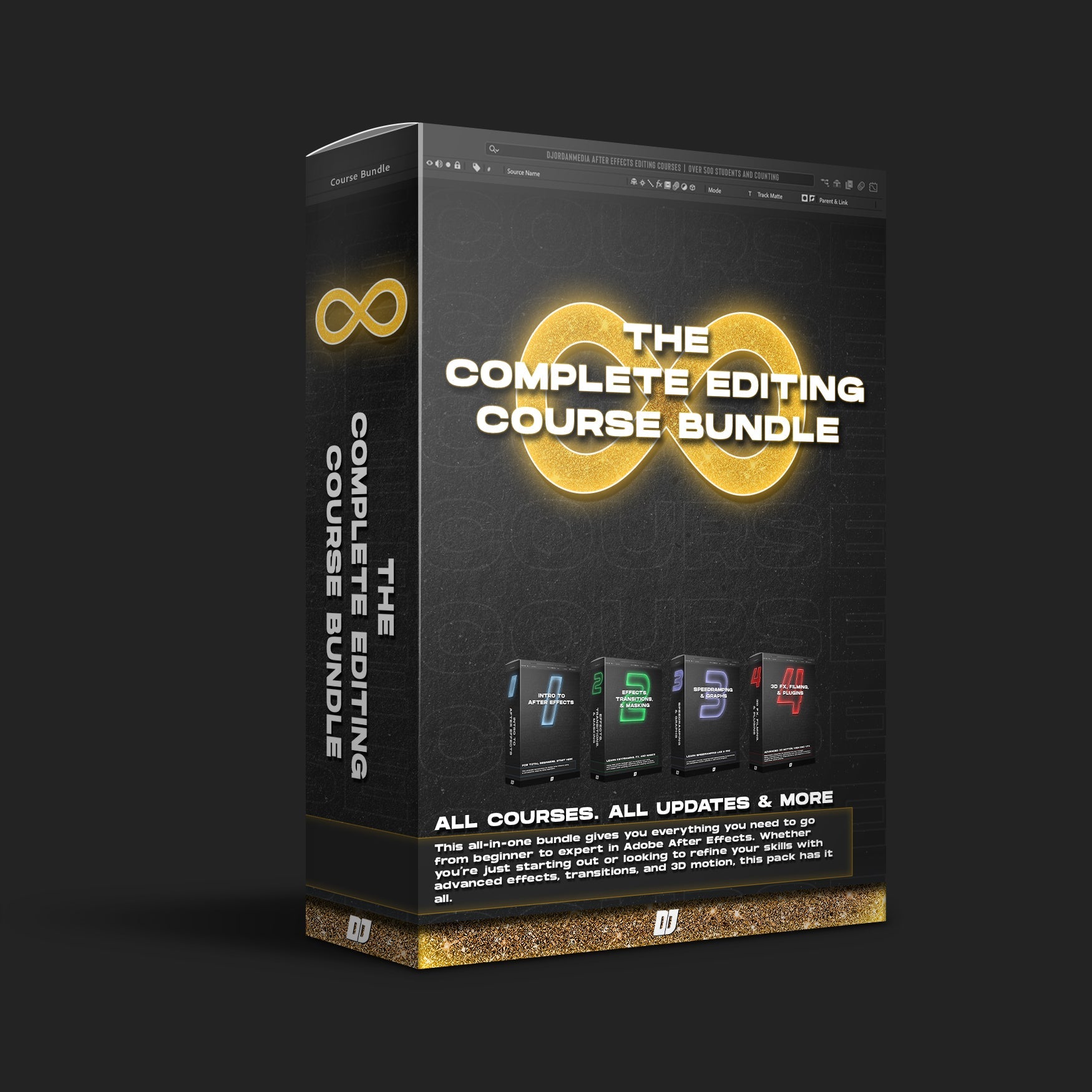
DJordanMedia The Complete Editing Course Bundle Pack
DJordanMedia – The Complete Editing Course Bundle Pack
A complete Adobe After Effects training bundle by DJordanMedia, designed to help editors progress from essential software fundamentals to advanced cinematic editing, speed ramping, visual effects, color grading, filming techniques, and motion-clone effects.
What’s Included
The bundle contains 6 main course sections:
Introduction to After Effects
Learn the After Effects interface, essential tools, project workflow, footage stabilization, basic effects, rendering, and export settings.
Effects, Transitions & FX
Create cinematic transitions, visual effects, camera movements, masking effects, shake effects, and more engaging video sequences.
Speedramping
Master time remapping, smooth speed changes, reverse ramps, velocity control, Graph Editor techniques, and transitions built around speed ramps.
3D, Filming Techniques & Plug-ins
Explore filming methods, 3D animation, motion tracking, compositing, and advanced effects using tools such as Element 3D and Trapcode Particular.
Color Grading Course
Learn cinematic color correction and grading techniques, including workflows for S-Log3 footage, contrast, exposure, skin tones, and creative color styles.
Motion Clone
Learn how to duplicate moving subjects, combine multiple performances within one scene, work with masking and motion, and create creative split-motion or cloning effects.
Additional Resources
The download also includes a DJordan Media FX Pack. Public descriptions of the original bundle mention additional materials such as LUTs, shake-effect presets and automotive practice clip packs, although the exact contents of your .rar file cannot be confirmed from the screenshot alone.
Who Is It For?
This bundle is suitable for:
Beginner and intermediate After Effects users
Automotive video editors
Filmmakers and videographers
Social media and commercial content creators
Editors interested in speed ramping, cinematic transitions and VFX
Creators who want to improve filming, color grading and motion effects
The course mainly focuses on Adobe After Effects, with several advanced lessons requiring third-party plug-ins.
A complete Adobe After Effects training bundle by DJordanMedia, designed to help editors progress from essential software fundamentals to advanced cinematic editing, speed ramping, visual effects, color grading, filming techniques, and motion-clone effects.
What’s Included
The bundle contains 6 main course sections:
Introduction to After Effects
Learn the After Effects interface, essential tools, project workflow, footage stabilization, basic effects, rendering, and export settings.
Effects, Transitions & FX
Create cinematic transitions, visual effects, camera movements, masking effects, shake effects, and more engaging video sequences.
Speedramping
Master time remapping, smooth speed changes, reverse ramps, velocity control, Graph Editor techniques, and transitions built around speed ramps.
3D, Filming Techniques & Plug-ins
Explore filming methods, 3D animation, motion tracking, compositing, and advanced effects using tools such as Element 3D and Trapcode Particular.
Color Grading Course
Learn cinematic color correction and grading techniques, including workflows for S-Log3 footage, contrast, exposure, skin tones, and creative color styles.
Motion Clone
Learn how to duplicate moving subjects, combine multiple performances within one scene, work with masking and motion, and create creative split-motion or cloning effects.
Additional Resources
The download also includes a DJordan Media FX Pack. Public descriptions of the original bundle mention additional materials such as LUTs, shake-effect presets and automotive practice clip packs, although the exact contents of your .rar file cannot be confirmed from the screenshot alone.
Who Is It For?
This bundle is suitable for:
Beginner and intermediate After Effects users
Automotive video editors
Filmmakers and videographers
Social media and commercial content creators
Editors interested in speed ramping, cinematic transitions and VFX
Creators who want to improve filming, color grading and motion effects
The course mainly focuses on Adobe After Effects, with several advanced lessons requiring third-party plug-ins.
Course access continues to use the existing account and entitlement checks.