
Membership
Premiere
Video Editing With Adobe Premiere Pro For Beginners
Video Editing with Adobe Premiere Pro for Beginners
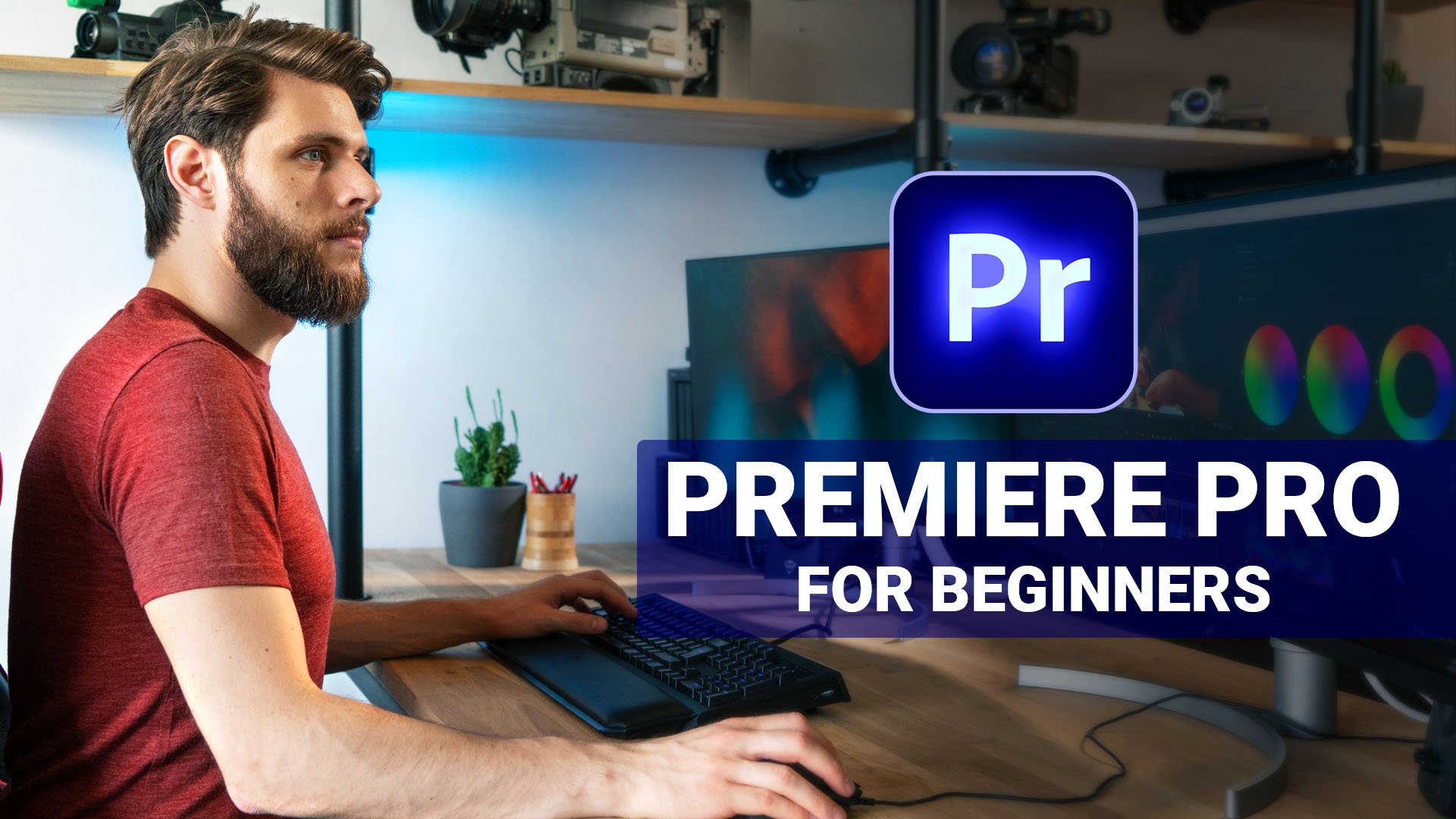
A beginner-friendly Adobe Premiere Pro course by Jordy Vandeput from Cinecom, designed to teach the complete fundamentals of professional video editing through practical exercises.
Course Content
19 lessons
Around 3 hours 20 minutes of training
Beginner level
Main topics include:
Premiere Pro workspace and project setup
Organizing and importing footage
Basic cutting and timeline editing
Editing tools and advanced trimming techniques
Video effects and transitions
Text and graphic design
Using and creating templates
Custom keyframe animations
Speed ramping
Basic visual effects
Color correction
Audio mixing and audio effects
Export settings and workflow optimization
The course also includes downloadable practice footage and a hands-on project where students create a short edited video using animation, color correction, effects, audio mixing and speed changes.
Who Is It For?
Suitable for:
Complete beginners learning Premiere Pro
YouTube and social media creators
Beginner filmmakers and videographers
Anyone wanting to learn professional video-editing fundamentals
Creators who want a solid foundation before moving to more advanced Premiere Pro techniques
Field: Video Editing → Adobe Premiere Pro / Beginner Video Editing.
A beginner-friendly Adobe Premiere Pro course by Jordy Vandeput from Cinecom, designed to teach the complete fundamentals of professional video editing through practical exercises.
Course Content
19 lessons
Around 3 hours 20 minutes of training
Beginner level
Main topics include:
Premiere Pro workspace and project setup
Organizing and importing footage
Basic cutting and timeline editing
Editing tools and advanced trimming techniques
Video effects and transitions
Text and graphic design
Using and creating templates
Custom keyframe animations
Speed ramping
Basic visual effects
Color correction
Audio mixing and audio effects
Export settings and workflow optimization
The course also includes downloadable practice footage and a hands-on project where students create a short edited video using animation, color correction, effects, audio mixing and speed changes.
Who Is It For?
Suitable for:
Complete beginners learning Premiere Pro
YouTube and social media creators
Beginner filmmakers and videographers
Anyone wanting to learn professional video-editing fundamentals
Creators who want a solid foundation before moving to more advanced Premiere Pro techniques
Field: Video Editing → Adobe Premiere Pro / Beginner Video Editing.
Course access continues to use the existing account and entitlement checks.