
Free

ABOUT THIS RESOURCE
Description
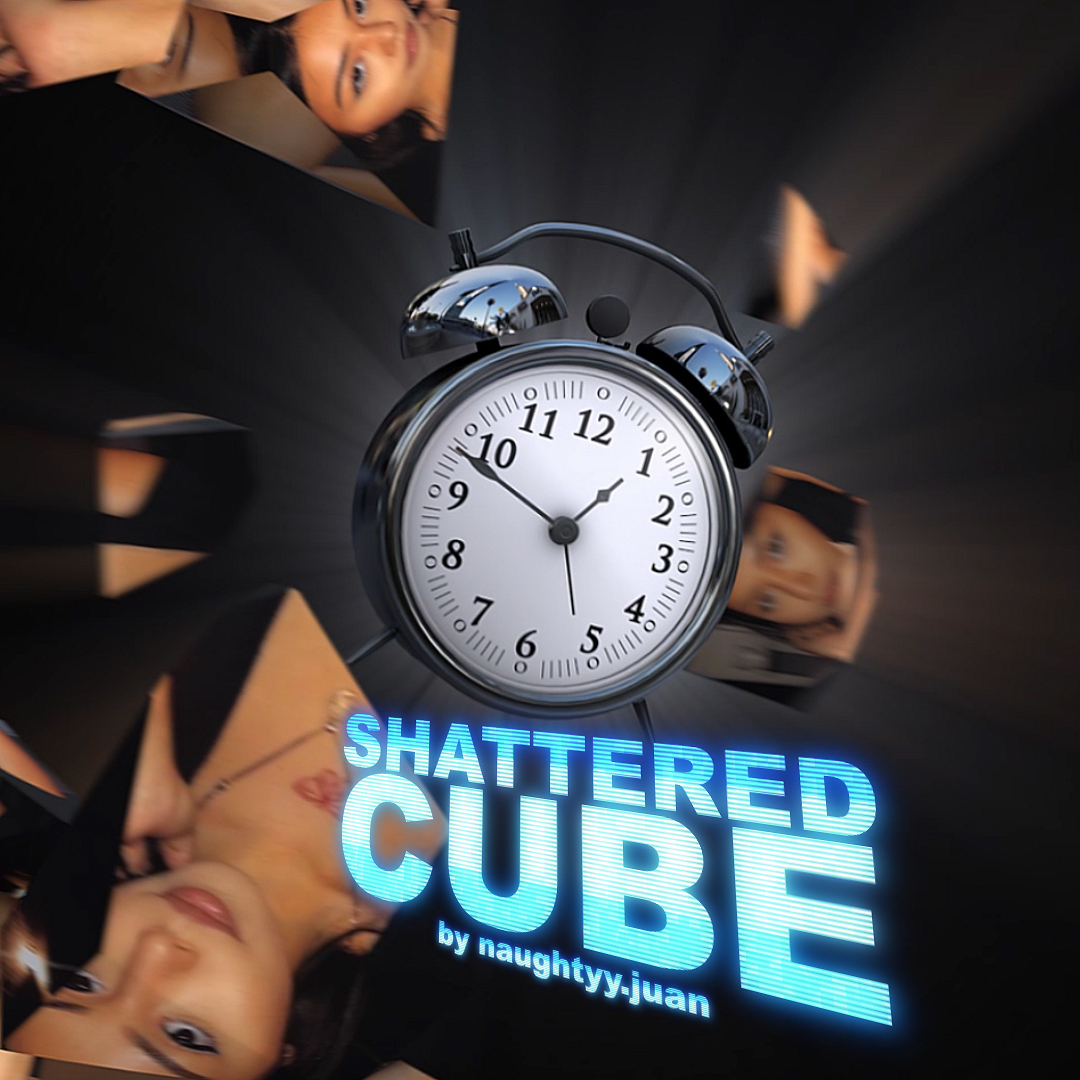
Disappear by Van Beek Films, created in collaboration with WippTemplates, is an Effect Generator for DaVinci Resolve designed to make subjects disappear or reappear with a cinematic visual effect. It combines a cinematic pulse, camera shake, shockwaves, and chromatic aberration while keeping the entire workflow directly on the Edit Page.
FEATURES
• Make subjects disappear or reappear
• Cinematic pulse effect
• Smooth camera shake
• High-quality shockwaves
• Chromatic aberration
• Adjustable Glow
• Adjustable Shake
• Adjustable Shockwave strength
• Invert button to reverse the effect direction
• Drag and drop directly onto clips
• Built entirely for the Edit Page
• No Fusion workflow required
• Delivered as a single DRFX file for quick installation
• Suitable for real estate videos, car edits, music videos, and other creative projects
NOTE
A clean plate of the scene without the subject is required to create the complete disappearing effect.
FORMAT
• DRFX
COMPATIBILITY
• DaVinci Resolve 20 or later
• DaVinci Resolve Free
• DaVinci Resolve Studio
FEATURES
• Make subjects disappear or reappear
• Cinematic pulse effect
• Smooth camera shake
• High-quality shockwaves
• Chromatic aberration
• Adjustable Glow
• Adjustable Shake
• Adjustable Shockwave strength
• Invert button to reverse the effect direction
• Drag and drop directly onto clips
• Built entirely for the Edit Page
• No Fusion workflow required
• Delivered as a single DRFX file for quick installation
• Suitable for real estate videos, car edits, music videos, and other creative projects
NOTE
A clean plate of the scene without the subject is required to create the complete disappearing effect.
FORMAT
• DRFX
COMPATIBILITY
• DaVinci Resolve 20 or later
• DaVinci Resolve Free
• DaVinci Resolve Studio
Copyright Information
EditBox does not claim ownership of the files shared on this platform. Content is collected from publicly available sources, forums, and third-party websites.
EditBox does not sell ownership or copyright
Membership fees support the operation and maintenance of the platform. Access does not transfer ownership or commercial licensing rights. Users should review the original licensing terms before using any resource commercially.
Related resources
View all
Membership
Membership
Membership
Membership

Membership
Membership

Free
Free
Free
Free

Membership
Featured services
View all
Google AI Pro 5 TB + Gemini Pro - 1 Year
Google AI Pro 5 TB and Gemini Pro for 12 months, with support and warranty throughout the subscription period.
Google AI Pro 2 TB + Gemini Pro - 1 Year
Google AI Pro 2 TB and Gemini Pro for 12 months as a family-group member.
Google AI Pro 5 TB + Gemini Pro - 18 Months
Official Google AI Pro 5 TB and Gemini Pro for 18 months.